
How to Create YouTube Videos Using AI: Step-by-Step Guide for Beginners in 2026

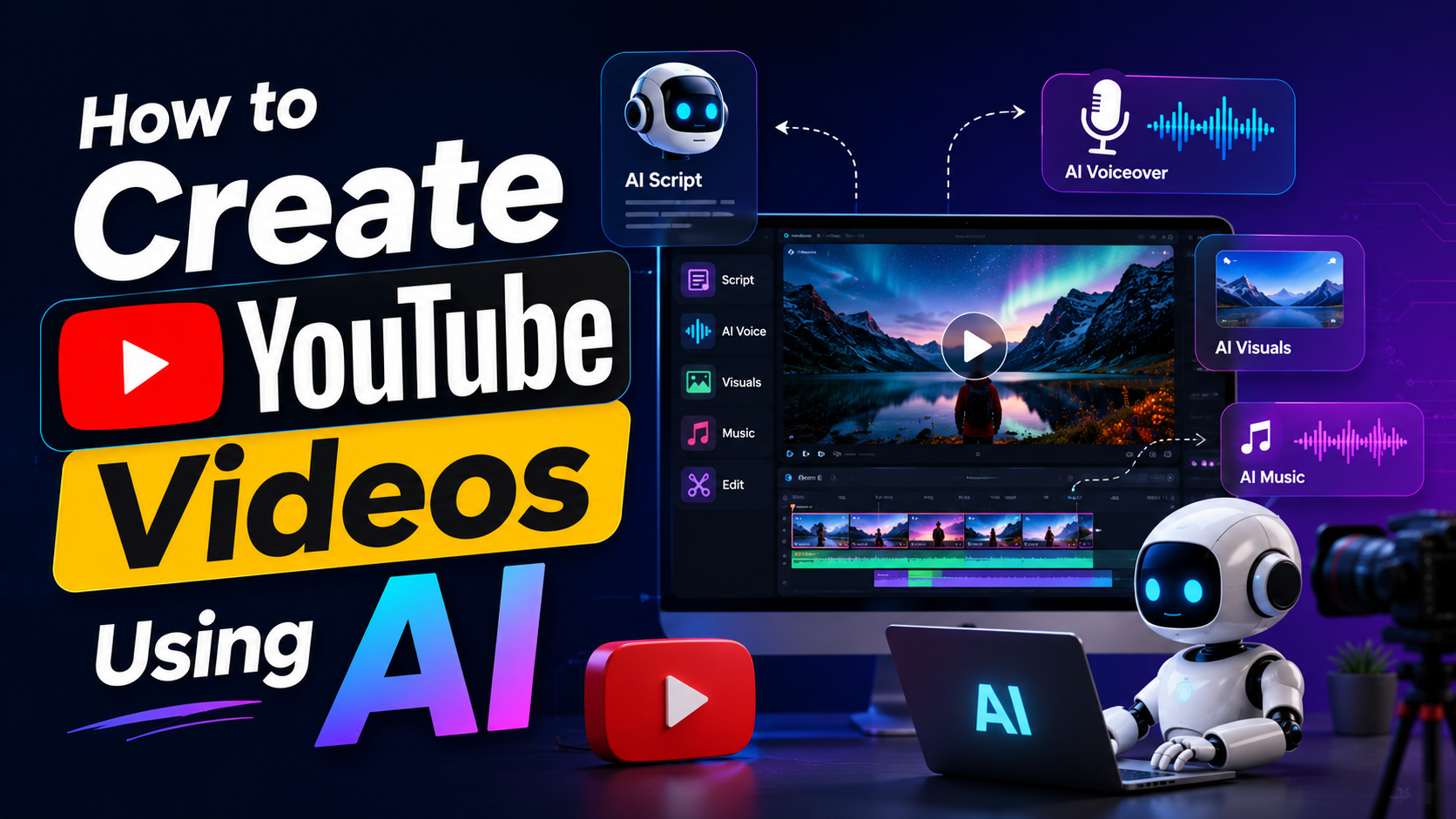
Do you want to start a YouTube channel but feel overwhelmed by cameras, editing software, and scriptwriting? You are not alone. Many aspiring creators give up before they even record their first clip. Fortunately, artificial intelligence has completely changed the creative process. You no longer need expensive gear or years of editing experience to produce high-quality content.
Learning how to create YouTube videos using AI allows anyone to turn a simple idea into a fully produced video in a matter of hours. Artificial intelligence tools can now write your scripts, generate realistic voiceovers, create stunning visuals, and even edit the final product.
In this guide, we will walk you through the entire process step-by-step. By the end, you will know exactly how to leverage AI to launch and grow your YouTube channel, even if you have zero technical background.
Step 2: Generate a Realistic Voiceover
If you do not want to record your own voice, AI voice generators are your best friend. These tools have improved dramatically and no longer sound like robotic GPS navigators. They offer hundreds of distinct voices with natural pacing, breathing sounds, and emotional inflection.
Simply paste your polished script into a voice generation tool. You can select the gender, accent, and mood of the speaker. Listen to a few previews until you find a voice that matches the vibe of your channel. Once you are happy, export the audio file.
Step 3: Create Visuals and Video Clips
Now that you have your audio, you need visuals to match. You have a few options here. You can use an AI video generator that turns text prompts directly into short video clips. Alternatively, you can use AI avatars—virtual presenters that lip-sync your audio track perfectly.
When generating high-quality video locally on your own computer, you might notice your system slowing down. Processing heavy video files often leads to an AI Memory Bottleneck, where your hardware struggles to move data fast enough. To avoid this frustration, most beginners should stick to cloud-based AI video generators. These platforms handle all the heavy lifting on their own servers, meaning you can create stunning 4K visuals from a basic laptop.
Step 4: Edit and Assemble Your Masterpiece
Understanding how to create YouTube Videos Using AI means knowing how to pull all your assets together. AI-powered video editors make assembly incredibly simple.
Upload your voiceover and your AI-generated visuals into the editor. Many modern platforms feature text-based editing. This means the software automatically transcribes your audio, and you can edit the video simply by deleting or moving words in the text document. You can also prompt the AI to automatically add background music, insert b-roll footage, and generate engaging subtitles that pop up on the screen.
Step 5: Secure Your Creative Assets
As a content creator, your videos, scripts, and channel data are valuable digital assets. Spending hours creating content only to lose it to a hacker or a hard drive failure is a nightmare. Securing your files is a vital part of running a YouTube channel.
First, protect your computer from malware that targets creators. Researching the Best Cybersecurity Software will help you find lightweight programs that block threats without slowing down your video rendering times. Ransomware is a specific threat where hackers lock your video files and demand payment. Using dedicated tools like Kaspersky Ransomware Protection can stop these attacks before they encrypt your hard drive.
Finally, always back up your raw files and finished videos to a secure cloud server. An Introduction to Internxt Cloud Storage can show you how decentralized, encrypted storage keeps your creative work safe from data breaches and accidental deletion. Always keep at least one local backup and one cloud backup.
Launch Your YouTube Journey Today
The barriers to entry for video creation have vanished. Mastering how to create YouTube Videos Using AI gives you a massive advantage, allowing you to produce consistent, high-quality content without burning out.
Start small. Pick a topic you enjoy, use AI to generate a short two-minute script, and test out the voice and video generators. As you practice, the process will become faster and more intuitive. Do not let the fear of complex software hold you back anymore—let AI handle the technical work while you focus on sharing your ideas with the world.