
Surfshark VPN – Secure & Easy Online Privacy Protection

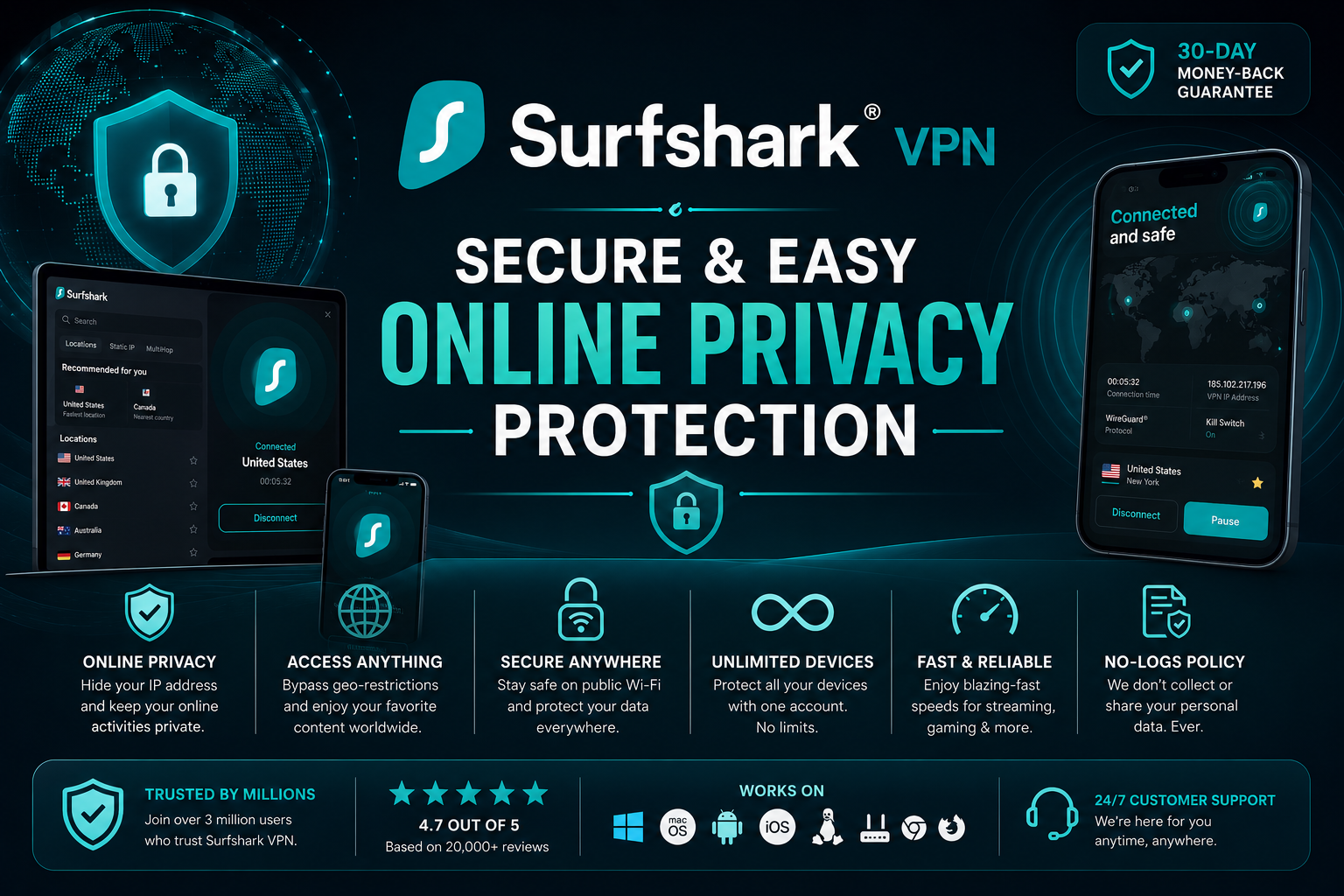
Using the internet is fun. You can watch videos, play games, read news, shop online, and talk to friends. But the internet can also have risks. Some websites, apps, hackers, or companies may try to track what you do online.
That is where Surfshark VPN can help.
Surfshark VPN is a simple tool that helps protect your online privacy. It hides your real location, keeps your data safer, and lets you browse the internet with more peace of mind.
In this easy guide, you will learn what Surfshark VPN is, how it works, and why many people use it.
What Is Surfshark VPN?
Surfshark VPN is a privacy app that helps keep your internet activity private.
VPN stands for Virtual Private Network. That may sound difficult, but it is easy to understand.
Think of the internet like a big road. When you use the internet without a VPN, others may be able to see where you are going. A VPN creates a private tunnel for your online activity. This tunnel makes it harder for others to see what you are doing.
So, when you use Surfshark VPN, your internet connection becomes more private and secure.
How Does Surfshark VPN Work?
Surfshark VPN works simply:
- You open the Surfshark app.
- You choose a server location.
- You tap or click the connect button.
- Surfshark VPN protects your connection.
After you connect, your real IP address is hidden.
Your IP address is like your home address on the internet. Websites can use it to know your location. Surfshark VPN gives you a different IP address, so your real one stays private.
Why Is Online Privacy Important?
Online privacy means keeping your personal information safe when you use the internet.
Without privacy protection, some people or companies may track:
- Your location
- Websites you visit
- Apps you use
- Your online searches
- Your shopping activity
This does not mean you should be scared of the internet. It just means you should be smart and careful.
Surfshark VPN helps you stay safer by making your online activity harder to track.
Main Benefits of Surfshark VPN
1. It Helps Hide Your IP Address
Your IP address can show your general location. Surfshark VPN hides your real IP address and gives you a new one.
This helps protect your privacy when you browse websites, use apps, or connect to public Wi-Fi.
2. It Helps Keep Your Data Safer
When you connect to the internet, your data travels from your device to websites and apps. Surfshark VPN helps protect that data with encryption.
Encryption works like a secret code. It makes your information harder for others to read.
This is helpful when you are using public Wi-Fi in places like:
- Cafes
- Airports
- Hotels
- Schools
- Shopping malls
Public Wi-Fi is useful, but it is not always safe. A VPN adds an extra layer of protection.
3. It Is Easy to Use
You do not need to be a tech expert to use Surfshark VPN.
The app is made for normal users. You can connect with just one tap or click. This makes it simple for kids, parents, students, workers, and beginners.
If you are new to VPNs, you can look for a guide on how to Surfshark VPN download and follow the basic steps.
4. It Works on Many Devices
Surfshark VPN works on many popular devices, such as:
- Android phones
- iPhones
- Windows computers
- Mac computers
- Tablets
- Smart TVs
- Browser extensions
This means you can protect more than one device.
If you use a phone, you may want to check how to download an Android VPN APK. If you use a computer, you can search for how to download a VPN for Windows.
5. It Can Help You Browse More Freely
Sometimes, websites or online services may not be available in every country. A VPN can help by letting you connect through servers in other locations.
Surfshark VPN has many server locations around the world. This gives users more options when browsing online.
Is Surfshark VPN Good for Beginners?
Yes, Surfshark VPN is a good choice for beginners because it is simple and clean.
You do not have to change many settings. You can open the app, choose a server, and connect. That is it.
It is also helpful for families because it can protect many devices. This is useful when different people in the home use phones, laptops, tablets, and other smart devices.
Surfshark VPN and Public Wi-Fi
Public Wi-Fi is easy to find. You may use it at a coffee shop, airport, hotel, or library.
But public Wi-Fi can be risky because you do not always know who else is using the same network. Some bad people may try to steal information from users on unsafe Wi-Fi.
Surfshark VPN helps by creating a private and secure connection. This makes it harder for others to see your online activity.
So, if you often use public Wi-Fi, Surfshark VPN can be very useful.
What Can Surfshark VPN Protect?
Surfshark VPN can help protect many parts of your online life, including:
- Browsing websites
- Using apps
- Watching videos
- Online shopping
- Checking email
- Using public Wi-Fi
- Protecting your IP address
- Keeping your internet connection more private
It is not magic, and it cannot protect you from every danger. You still need strong passwords and safe browsing habits. But it is a strong privacy tool.
Simple Tips for Better Online Safety
Using Surfshark VPN is a great step, but you should also follow these easy safety tips:
- Do not share your password with others.
- Use strong passwords.
- Do not click strange links.
- Do not download unknown files.
- Keep your apps updated.
- Be careful on public Wi-Fi.
- Use two-factor login when possible.
A VPN protects your connection, but smart habits protect you even more.
Surfshark VPN Pricing
Before choosing any VPN, it is smart to compare plans and features.
Surfshark usually offers different plans based on how long you want to use it. Longer plans may cost less per month than short plans.
If you want to compare costs, you can check a VPN Pricing guide. This can help you choose the best plan for your budget.
How to Get Surfshark VPN
Getting Surfshark VPN is usually simple.
Here are the basic steps:
- Visit the Surfshark website or app store.
- Choose your plan.
- Create your account.
- Download the app for your device.
- Install the app.
- Log in.
- Tap or click connect.
If you need help, search for a step-by-step guide on how to Surfshark VPN download.
For Android users, you can look for Download Android VPN APK information. For PC users, you can search for Download a VPN for Windows.
Who Should Use Surfshark VPN?
Surfshark VPN can be helpful for many types of users.
It is good for:
- Students who use school or public Wi-Fi
- Parents who want safer browsing
- People who shop online
- People who travel
- Remote workers
- Gamers
- Streamers
- Anyone who wants more privacy online
If you use the internet every day, a VPN can be a useful tool.
Why Surfshark VPN Is a Great Choice
Surfshark VPN is popular because it gives users a mix of privacy, security, and ease of use.
Here are some reasons why people like it:
- It is simple to use.
- It helps hide your IP address.
- It protects your data with encryption.
- It works on many devices.
- It is useful on public Wi-Fi.
- It offers many server locations.
- It is good for beginners and families.
Surfshark VPN makes online privacy easier for everyone.
Final Thoughts
Surfshark VPN is a simple and helpful tool for online privacy. It helps hide your IP address, protects your data, and gives you a safer way to use the internet.
You do not need to be a computer expert to use it. The app is easy, fast, and made for everyday users.
If you want safer browsing at home, school, work, or on public Wi-Fi, Surfshark VPN is a great option to consider. It helps you enjoy the internet with more privacy and confidence.