
VIA OS Features | Smart Self Service Kiosks Software Solutions

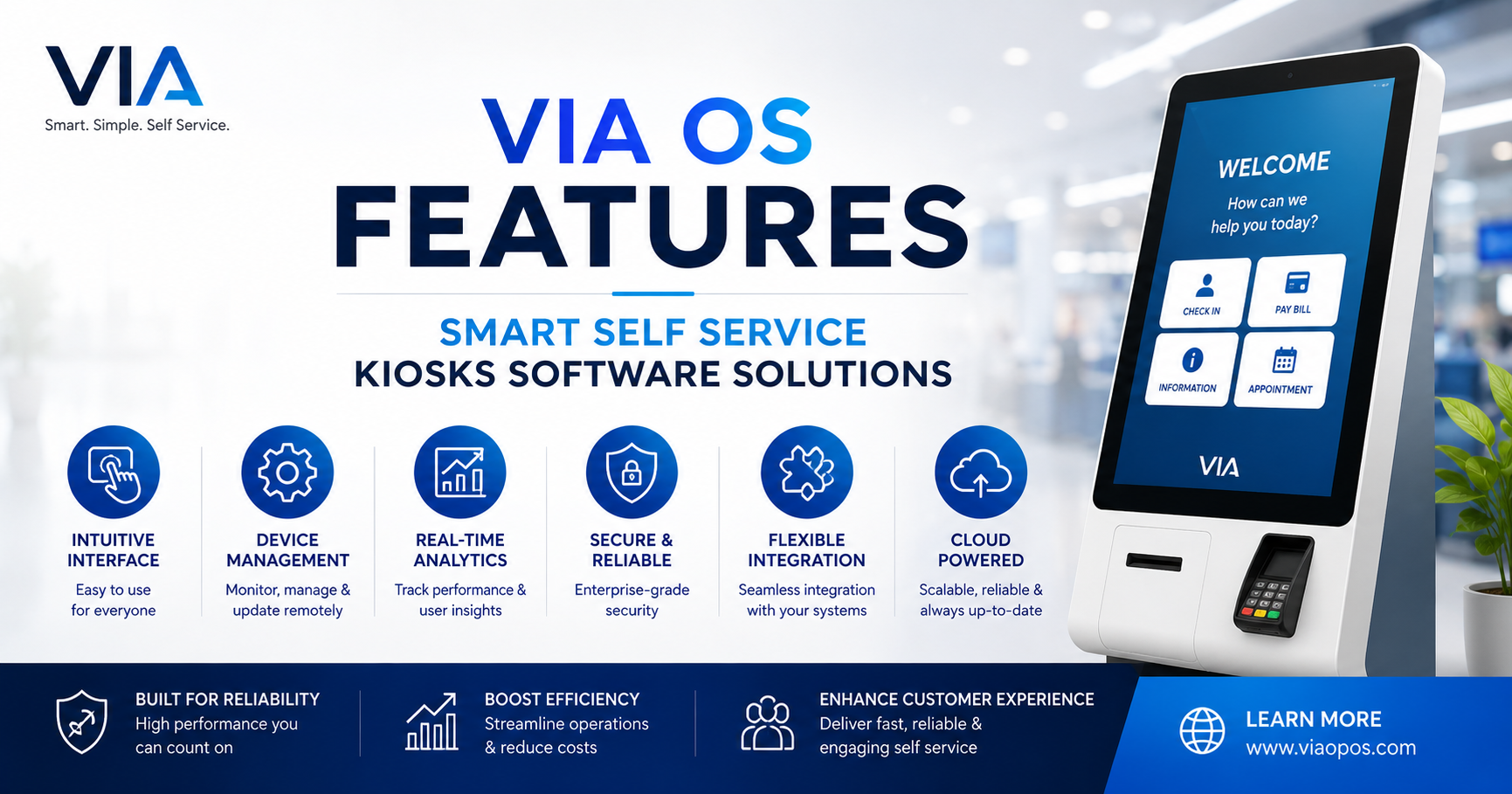
Smart self-service kiosks can reduce queues, improve customer flow, and help teams serve more people with less manual effort. But the real value does not come from the kiosk hardware alone. It comes from the software that controls, connects, monitors, and updates every kiosk in your network.
That is where VIA OS features for smart self-service kiosks become important. VIA OS is designed to help businesses manage kiosk operations from one modern platform, whether they are running a few devices in one location or a large kiosk network across multiple sites. In this article, you will learn how VIA OS supports centralized management, remote monitoring, software updates, customization, integrations, analytics, security, scalability, uptime, and better customer experience.
What Is VIA OS for Smart Self-Service Kiosks?
VIA OS is a smart self-service kiosk software solution built to manage kiosk applications, devices, content, user journeys, and system performance. It gives businesses more control over how kiosks work, how they look, and how they connect with other business systems.
For decision-makers, the goal is simple: reduce operational complexity while improving customer convenience. Instead of managing kiosks manually or depending on separate tools, VIA OS brings key kiosk functions into one connected software environment.
Businesses can use VIA OS for different types of kiosk use cases, such as:
- Customer check-in kiosks
- Ticketing and queue management kiosks
- Retail ordering kiosks
- Payment-enabled self-service kiosks
- Information and wayfinding kiosks
- Appointment booking kiosks
- Hospitality and service kiosks
If your business is planning a new kiosk rollout, VIA OS can support your self-service kiosk software strategy from setup to long-term management.
Why Smart Self-Service Kiosk Software Matters
A kiosk is only useful if it stays online, works smoothly, and gives customers a simple experience. Poor software can create slow screens, failed updates, security gaps, and limited control for your operations team.
Smart kiosk software solves these problems by giving you visibility and control. It helps your team manage devices without visiting every location. It also helps you improve the customer journey based on real usage data.
The right software can help businesses:
- Reduce support and maintenance costs
- Launch new kiosk experiences faster
- Keep branding consistent across locations
- Update apps and content remotely
- Monitor device health in real time
- Connect kiosks with CRM, POS, ERP, or payment systems
- Improve uptime and customer satisfaction
This is why many businesses now look for a complete smart kiosk software solution instead of basic kiosk applications.
VIA OS Features That Support Smarter Kiosk Operations
VIA OS is built around the needs of businesses that want reliable, scalable, and easy-to-manage kiosk operations. Below are the key feature areas that make it valuable for modern self-service environments.
Centralized Kiosk Management From One Platform
Managing kiosks across different stores, branches, hospitals, campuses, or service centers can become difficult without a central control system. VIA OS helps teams manage devices, applications, settings, and content from one platform.
Instead of updating each kiosk one by one, teams can make changes centrally and push them across selected devices or locations. This saves time and reduces manual errors.
Why Centralized Management Matters
Centralized management helps businesses maintain consistency. Every kiosk can follow the same brand standards, interface rules, security policies, and service workflows.
For example, a retail chain can update its product catalog, promotional banners, and menu screens across all kiosks from one dashboard. A healthcare provider can update patient check-in forms across multiple clinics without sending technicians to each site.
This makes centralized kiosk management one of the most important features for companies planning multi-location deployments.
Remote Monitoring for Better Visibility
Kiosks need to work during business hours without constant staff attention. If a screen freezes, payment device disconnects, or application stops responding, your team needs to know quickly.
VIA OS supports remote monitoring so businesses can track kiosk health, status, and performance. Teams can identify issues before they affect too many customers.
What Teams Can Monitor
Depending on the setup, remote monitoring may help teams check:
- Device online or offline status
- Application performance
- Screen status
- Peripheral device connections
- Network health
- Error alerts
- Usage activity
- System logs
With remote kiosk monitoring, teams can respond faster and reduce downtime. This is especially useful for businesses with kiosks in high-traffic areas where every minute of downtime can affect revenue or service quality.
Remote Software Updates and Content Deployment
Manual updates are slow, expensive, and risky. If your team must physically visit every kiosk to update software, the process can delay launches and increase operating costs.
VIA OS enables remote software updates, making it easier to improve kiosk functionality, fix bugs, deploy new features, and refresh content. Updates can be planned, tested, and rolled out across selected devices.
Faster Rollouts With Less Disruption
Remote updates help businesses keep kiosks current without disturbing daily operations. For example, a quick-service restaurant can update menu pricing overnight. A transportation company can update ticketing rules across stations before peak hours.
This makes remote kiosk software updates an important feature for brands that need speed, control, and accuracy.
Customization for Branded Customer Journeys
Every business has a different customer journey. A bank kiosk may need secure account workflows, while a retail kiosk may focus on product discovery and ordering. VIA OS supports customization so businesses can shape the kiosk experience around their goals.
Customization can include interface design, workflows, language options, screen layouts, forms, buttons, and user permissions. This helps create a branded and intuitive experience.
Building a Better Self-Service Experience
A good kiosk interface should be simple. Customers should understand what to do within seconds. VIA OS helps businesses create clear flows that guide users from start to finish.
For example, a hotel kiosk can guide guests through booking lookup, identity verification, room selection, payment, and key issuance. A healthcare kiosk can guide patients through check-in, insurance details, consent forms, and appointment confirmation.
With the right custom self-service kiosk experience, businesses can reduce staff dependency and improve customer confidence.
Integrations With Business Systems
Self-service kiosks become more powerful when they connect with the systems your business already uses. VIA OS can support integrations with tools such as POS systems, payment gateways, CRM platforms, ERP software, inventory systems, booking engines, and customer databases.
These integrations help kiosks perform real business tasks instead of working as isolated devices.
Common Kiosk Integration Use Cases
A retail kiosk can connect with inventory data to show real-time product availability. A restaurant kiosk can send orders directly to the kitchen display system. A service kiosk can connect with CRM data to identify returning customers.
Strong kiosk software integrations can improve speed, accuracy, and operational flow. They also help teams avoid duplicate data entry and disconnected customer records.
Analytics and Reporting for Smarter Decisions
Kiosks create valuable data. They show what customers search for, where users drop off, which services are used most, and when demand is highest. VIA OS can help businesses turn this data into useful insights.
Analytics can support better planning, stronger customer experiences, and more efficient operations.
What Kiosk Analytics Can Reveal
Businesses can use kiosk analytics to understand:
- Most-used services or features
- Peak usage times
- Average session duration
- Transaction success rates
- Common user drop-off points
- Location-based performance
- Device uptime trends
- Customer behavior patterns
For example, if analytics show that users often abandon a form at the payment step, the business can review the payment flow. If one location has higher usage than others, the team can study what is working there and apply it elsewhere.
This makes self-service kiosk analytics useful for both operations and growth planning.
Security Features for Safe Kiosk Operations
Security is critical for self-service kiosks, especially when they handle customer data, payments, identity information, or account details. VIA OS supports secure kiosk operations by helping businesses control access, manage software behavior, and reduce risks.
A secure kiosk system should protect both the business and the customer. It should prevent unauthorized access, reduce data exposure, and support safe transactions.
Key Security Areas to Consider
When evaluating kiosk software, businesses should look for security support around:
- User access control
- Application lockdown
- Data protection
- Secure communication
- Payment security support
- System activity logs
- Remote issue handling
- Controlled software updates
With strong kiosk security features, businesses can build trust and reduce operational risk.
Scalability for Multi-Location Kiosk Networks
A kiosk solution should work not only for your current needs but also for your future growth. VIA OS is designed to support scalable kiosk deployments, making it suitable for businesses that plan to expand across locations, regions, or service lines.
Scalability matters because kiosk operations become more complex as the network grows. More devices mean more updates, more monitoring, more data, and more support needs.
Growing Without Adding Complexity
With VIA OS, businesses can manage larger kiosk networks without depending on manual processes. Teams can organize devices by location, function, department, or business unit.
For example, a company may start with five kiosks in one city and later expand to hundreds of kiosks across different branches. A scalable platform helps the team keep control as the network grows.
This makes scalable kiosk software a key requirement for enterprises and fast-growing businesses.
Uptime and Reliability for Daily Operations
Kiosks often sit at important customer touchpoints. If they stop working, customers may face delays, staff may need to step in, and the business may lose sales or service efficiency.
VIA OS supports uptime by giving teams tools to monitor, update, and manage kiosks remotely. Better visibility helps teams fix issues faster and prevent small problems from becoming major disruptions.
Reducing Downtime With Proactive Management
Reliable kiosk operations depend on proactive management. Teams should know when devices are offline, when apps are not responding, or when performance drops.
VIA OS helps businesses support kiosk uptime management by giving them more control over device health and software stability. This leads to smoother customer service and fewer interruptions.
Better Customer Experience With Smart Self-Service
The success of any self-service kiosk depends on customer experience. If the kiosk is slow, confusing, or unreliable, users will avoid it. If it is fast, clear, and helpful, it can become a preferred service channel.
VIA OS helps businesses design and manage kiosk experiences that are simple, branded, and efficient.
What Customers Expect From a Smart Kiosk
Customers usually want three things from a kiosk:
- A clear interface
- A fast process
- A successful outcome
They do not want to search through complex menus or wait for slow screens. VIA OS supports smoother self-service journeys by helping businesses manage workflows, updates, integrations, and performance from one platform.
A strong customer experience kiosk solution can improve satisfaction while reducing pressure on front-line staff.
Common Mistakes Businesses Make When Choosing Kiosk Software
Choosing kiosk software is a long-term decision. The wrong choice can lead to high maintenance costs, poor user adoption, and limited growth.
Here are common mistakes to avoid.
Choosing Hardware First and Software Later
Many teams focus on screens, stands, and devices first. Hardware is important, but software controls the actual customer experience. Businesses should plan software, integrations, security, and management needs early.
Ignoring Remote Management
Without remote management, every small change can become a field-service task. This increases costs and slows down improvements. A modern solution should support remote kiosk management software from the start.
Overlooking Integrations
If kiosks cannot connect with business systems, teams may need manual workarounds. This can cause errors and delays. Integration planning should be part of the first project stage.
Not Planning for Scale
A system that works for three kiosks may not work for three hundred. Businesses should choose software that can support future growth, multi-location control, and advanced reporting.
Why Businesses Should Consider VIA OS
VIA OS brings together the features businesses need to run smart self-service kiosks with confidence. It supports centralized control, remote monitoring, updates, customization, integrations, analytics, security, scalability, uptime, and customer experience.
For B2B decision-makers, the value is clear. VIA OS helps reduce operational effort, improve service speed, and support long-term kiosk growth. It gives teams the tools they need to manage kiosks as a connected business channel, not just standalone machines.
If your business is exploring smart self-service kiosk software solutions, VIA OS can help you build a more reliable, flexible, and future-ready kiosk strategy.
Conclusion
VIA OS is built for businesses that want smarter, easier, and more scalable kiosk operations. Its key features help teams manage kiosks centrally, monitor performance remotely, deploy updates, customize user journeys, connect with business systems, track analytics, improve security, and maintain better uptime.
The next step is to define your kiosk goals. Decide what customer journey you want to improve, which systems your kiosks need to connect with, and how many locations you plan to support. From there, VIA OS can help you create a smart self-service kiosk solution that is easier to manage and better for your customers.